The Challenge
Scene 01 | 02 — Context
A platform growing faster than its design
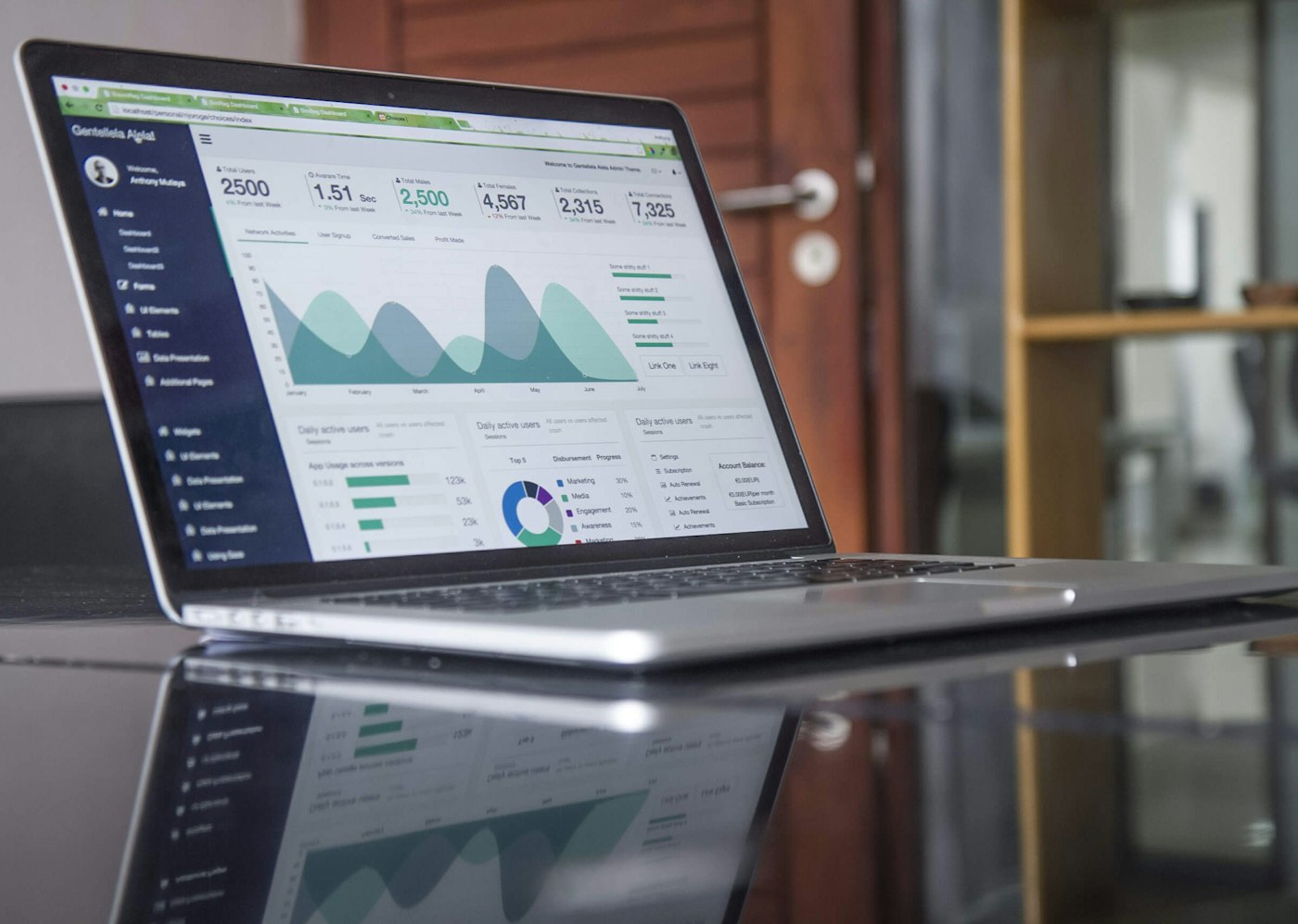
DataFlow's analytics platform had grown from a simple reporting tool to a comprehensive business intelligence suite over 5 years. But the interface hadn't evolved — it was a patchwork of features added without a cohesive vision.
Enterprise customers were churning. Support tickets were piling up. Users couldn't find what they needed.

Scene 02 | 02 — My Role
Leading cross-functional redesign
I was brought in to lead a complete UX overhaul while facilitating alignment between product, engineering, and customer success teams. The challenge wasn't just design — it was organizational.
"I spend more time searching for data than analyzing it. The tool that's supposed to save me time is costing me hours every week."
Discovery & Alignment
Scene 01 | 02 — Stakeholder Workshops
Getting everyone on the same page
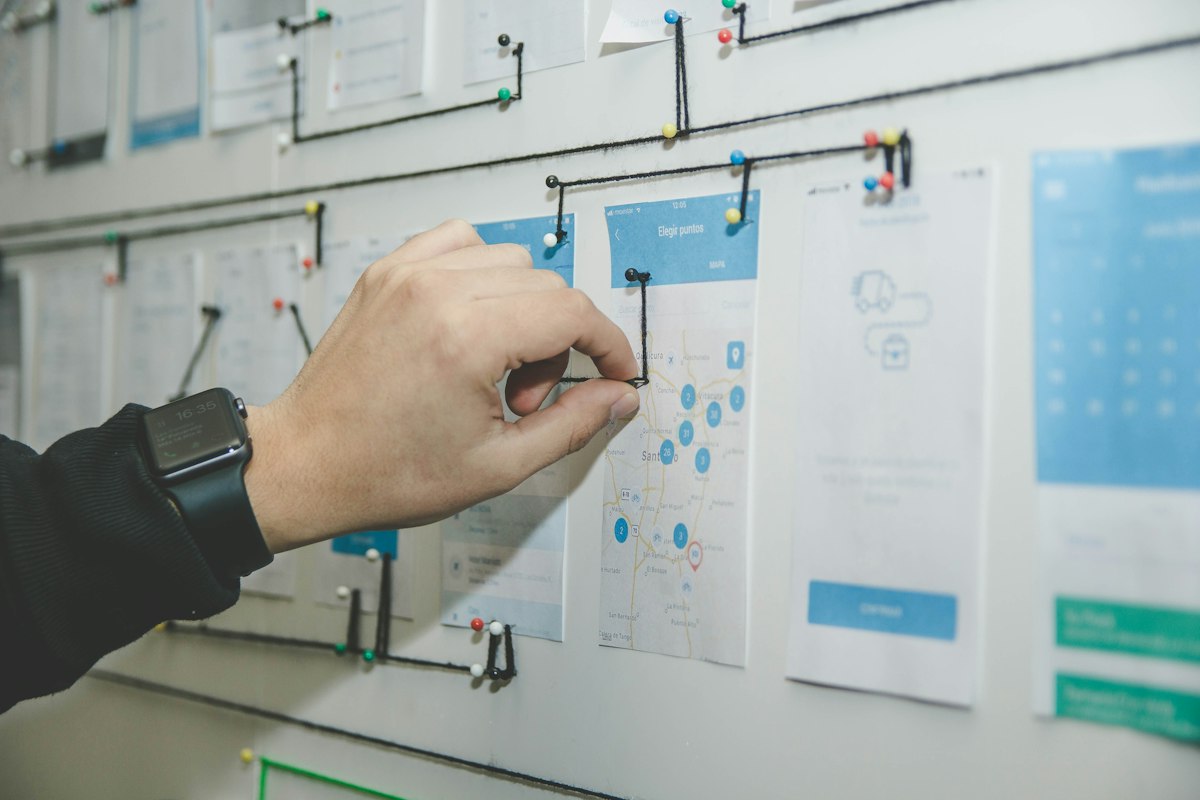
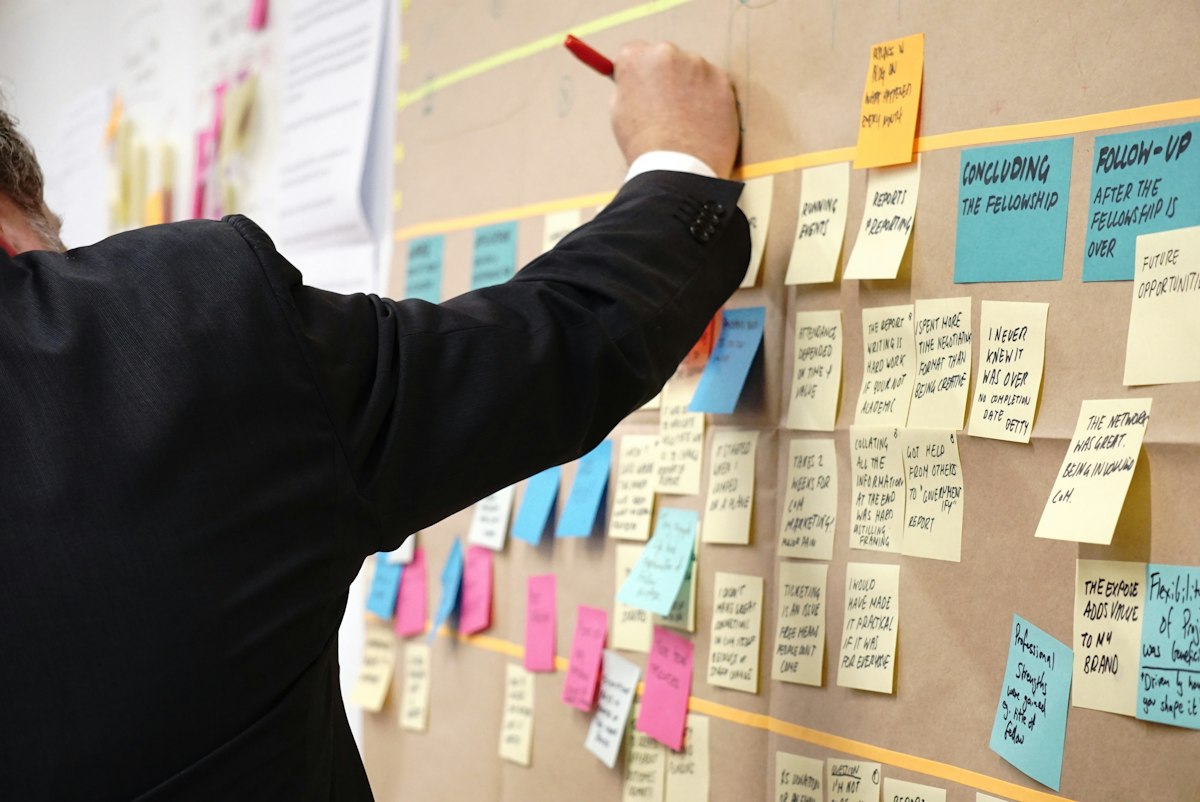
Before touching any designs, I facilitated a series of workshops with stakeholders across the company. We mapped pain points, aligned on priorities, and established success metrics together.

Scene 02 | 02 — User Research
Shadowing analysts in their natural habitat
We conducted contextual inquiries with 18 analysts across 6 enterprise customers. Watching them work revealed workarounds we never would have discovered through surveys alone.
- Analysts had created elaborate spreadsheet systems outside the platform
- Most used only 20% of available features but couldn't find them quickly
- Navigation patterns varied wildly — there was no "happy path"
Designing the Solution
Scene 01 | 03 — Information Architecture
Restructuring the foundation
We completely reimagined the navigation structure based on user mental models, not internal product organization. Features were grouped by task, not by when they were built.

Scene 02 | 03 — Component Redesign
Building blocks that scale
Every component was redesigned with density, scannability, and customization in mind. Analysts could now configure their workspace to match their workflow.


Scene 03 | 03 — Iterative Testing
Validating with real users
We ran 4 rounds of usability testing, each time refining based on feedback. The final design was shaped as much by user input as by our initial vision.
Results & Impact
Scene 01 | 02 — Metrics
Measurable improvements
Scene 02 | 02 — Learnings
What this project taught me
The biggest lesson: design is only 30% of a redesign project. The other 70% is facilitation, alignment, and change management. Getting stakeholders bought in early saved us months of back-and-forth later.
"The new dashboard changed how our team works. We went from dreading data analysis to actually enjoying it. That's not something I ever expected to say."