Setting the Scene
Scene 01 | 03 — Context
The problem with personal finance apps
Most financial apps overwhelm users with data — charts, graphs, percentages — but fail to create meaningful behavior change. Users download them with good intentions, engage for a week, then abandon them.
FinWell approached us to design something different: an app that would feel less like a spreadsheet and more like a supportive coach, helping users build sustainable financial habits without the anxiety.

Scene 02 | 03 — My Role
Leading design from research to launch
As the lead product designer, I was responsible for:
- Conducting user research and synthesizing insights
- Defining the product strategy alongside the PM
- Designing the end-to-end user experience
- Building and documenting the design system
- Collaborating with engineers through implementation
Scene 03 | 03 — The Challenge
How might we make financial planning feel achievable?
Our core design challenge: How do we help users set meaningful financial goals and actually stick to them — without making them feel judged, overwhelmed, or anxious about their current situation?
"I want to save money, but every app makes me feel bad about my spending. I need something that helps me, not shames me."
Understanding Users
Scene 01 | 02 — Research
Listening before designing
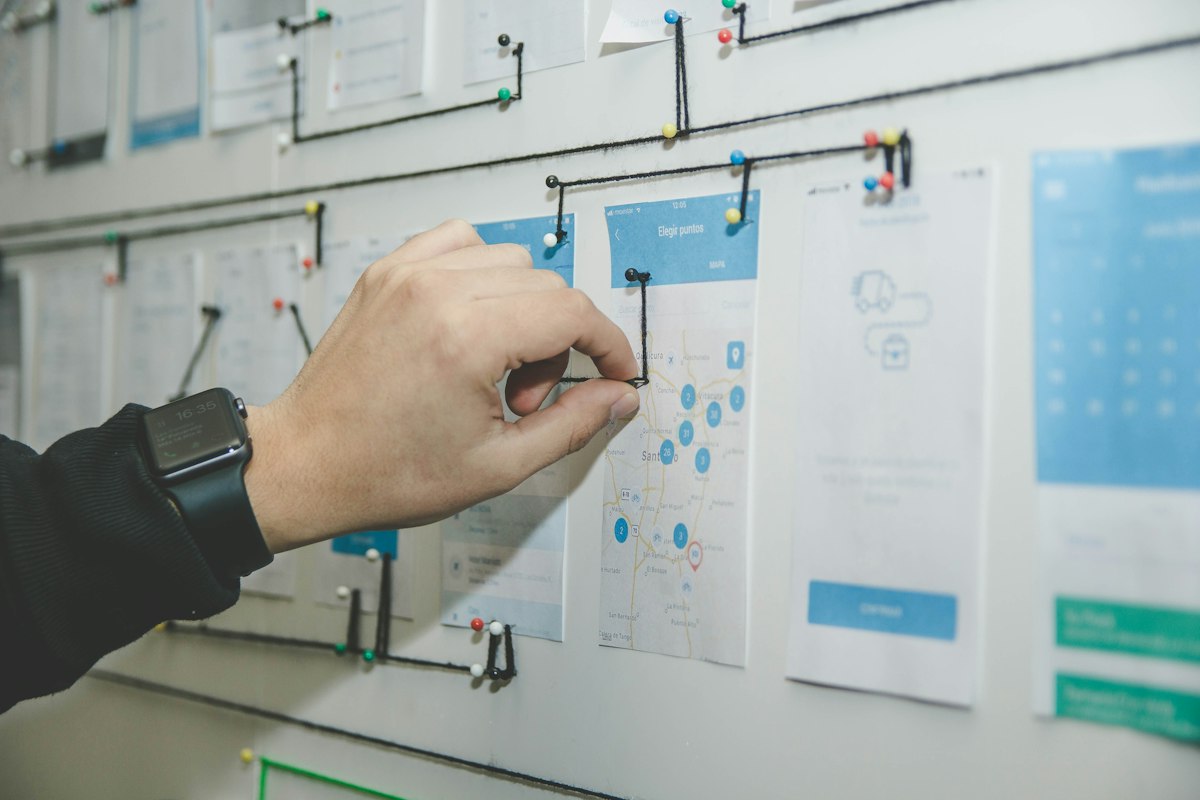
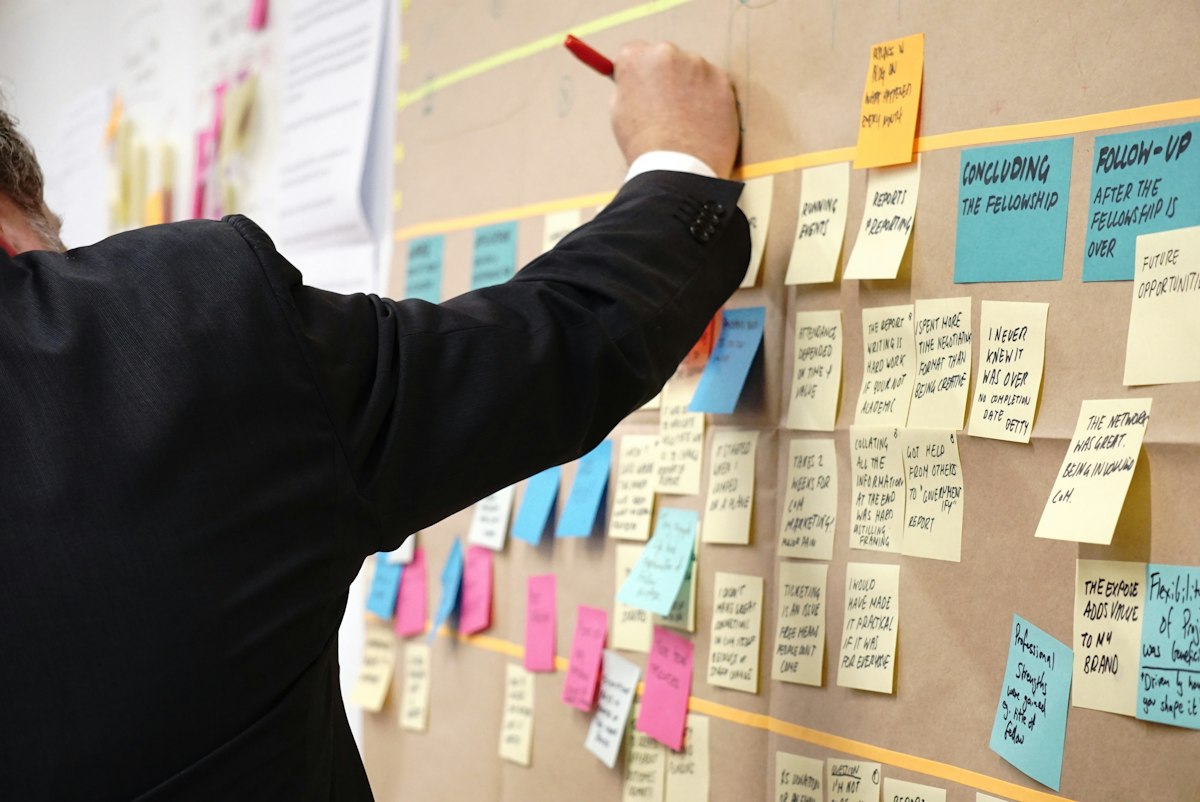
We interviewed 24 users across different income levels and financial situations. What emerged was a pattern: people didn't lack financial knowledge — they lacked confidence and a sense of progress.
The most successful savers in our research had one thing in common: they celebrated small wins and didn't aim for perfection.


Scene 02 | 02 — Key Insights
What we learned
- Progress over perfection: Users wanted to feel they were moving forward, even if slowly
- Simplicity wins: Complex budgeting categories created friction and abandonment
- Emotional safety: Judgment-free language significantly impacted engagement
- Visual momentum: Seeing visual progress was more motivating than seeing numbers
Crafting the Solution
Scene 01 | 03 — Core Concept
Goals, not budgets
We flipped the traditional approach. Instead of starting with spending limits (restrictive), we started with goals (aspirational). Users define what they're saving for — a trip, an emergency fund, a new laptop — and the app helps them get there.

Scene 02 | 03 — Key Features
Designing for daily engagement
We designed three core features based on our research insights:



Scene 03 | 03 — Design System
Building for scale
To maintain consistency and speed up development, I created a comprehensive design system with reusable components, a clear color system that used green for progress (never red for "failure"), and motion guidelines that made the app feel alive.

Impact & Learnings
Scene 01 | 02 — Results
The numbers tell a story
After launch, we tracked engagement and retention metrics closely. The results exceeded our expectations:
Scene 02 | 02 — Reflections
What I'd do differently
Looking back, I wish we had included more social features earlier. Users who shared their goals with friends showed 2x higher completion rates in our post-launch research. This is now on the roadmap for v2.
I also learned the importance of celebrating even the smallest wins. Our "streak" feature, added late in development, became one of the most-loved aspects of the app.
"This is the first finance app that actually makes me want to open it every day. It doesn't make me feel guilty — it makes me feel capable."